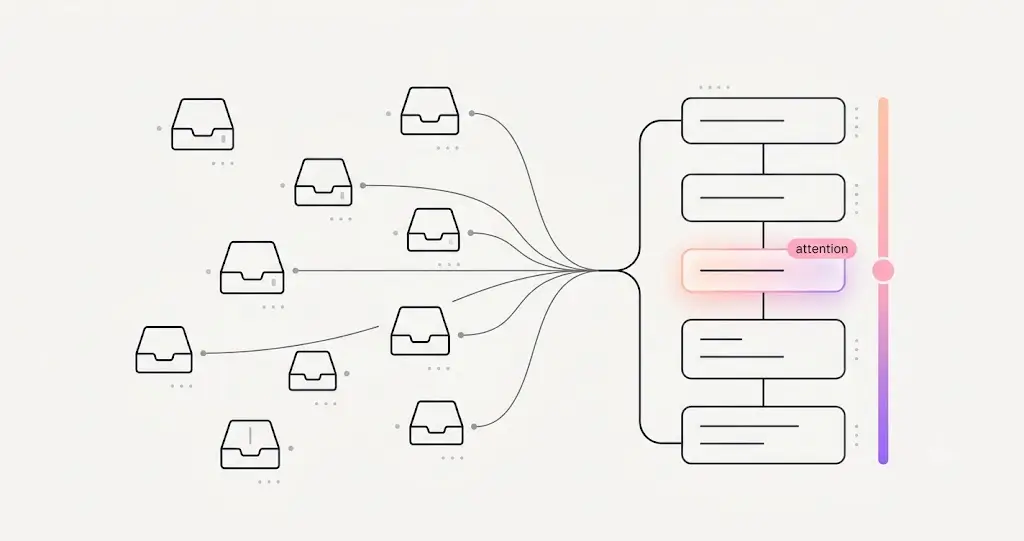
Count the places where “something that needs a human” can arrive in a dental practice: the phone’s missed-call log. The voicemail box. The texting tool. The email inbox — times however many addresses. The insurance portal that flagged a failed verification. The forms system with its overdue list. The sticky note about a follow-up someone promised. Each is its own inbox, with its own login, its own notification style, and its own version of urgent — and the union of all of them is the front desk’s actual job. A dental triage inbox is the structural answer: one prioritized list of everything, across the entire practice, that needs a human’s attention — no matter which channel or system it came from.
It’s ELVA’s most distinctive idea, and it’s worth understanding as an idea, not just a feature.
The Dental Triage Inbox Insight: Channels Are Plumbing, Attention Is the Product
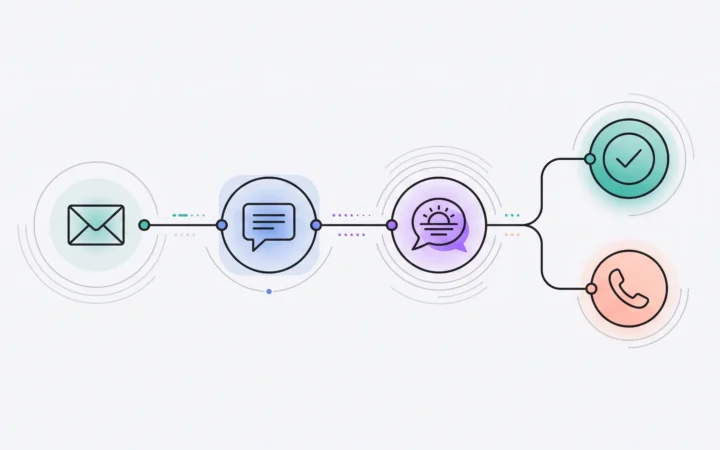
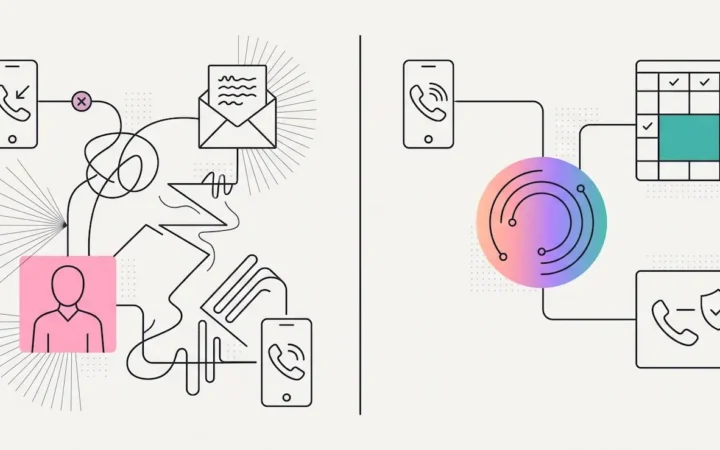
The ten-inbox world treats each channel as a destination — somewhere a person must go, scan, and interpret. But the practice doesn’t actually care where a message arrived; it cares what needs doing and how urgently. Those are properties of the item, not the channel. So ELVA inverts the architecture: channels become plumbing that feeds one place, and that place is organized around the only dimension that matters — attention. A failed eligibility check on tomorrow’s big case and a voicemail about a toothache compete on urgency, side by side, instead of living in two systems where one is invisible while you’re in the other.
What the Dental Triage Inbox Actually Does
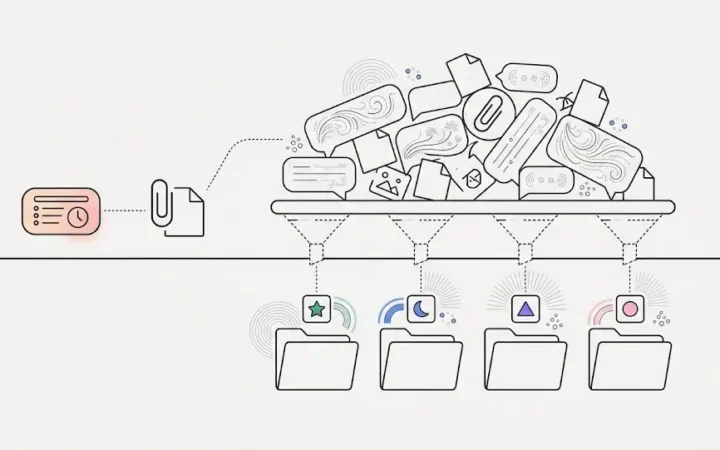
- Everything human-worthy, captured. Missed calls, texts, emails, insurance issues, overdue forms, follow-ups — if it needs a person, it’s in the list. If it doesn’t, it was handled under the practice’s rules and never interrupted anyone.
- Pre-read on arrival. Each item carries a one-line summary and the relevant patient attached — understanding it doesn’t require visiting the system it came from.
- Ranked, not stacked. The list is ordered by urgency, by the practice’s AI brain for dental practices reading the practice’s standards — the quiet emergency outranks the loud trivia.
- Action-bearing. Where appropriate, the item arrives with its proper next step, so working the list is doing the work, not researching it.
What becomes possible once it exists
A command center changes the questions a practice can answer. “Is anything waiting?” becomes checkable — an empty list is a fact, not a feeling, and “I didn’t see it” stops being a failure mode because there’s exactly one place to see. “What should I do next?” stops being a judgment that only the senior lead can make — the day works top-down for anyone, which is the scenario side of this story. And “did we drop anything this week?” has an audit trail instead of an archaeology project. The other systems keep doing their jobs — dental email management digests itself, dental schedule management checks itself, the conversations handle themselves — and everything they can’t finish flows here. The triage inbox isn’t another place to check; it’s the reason there’s only one.
See the command center inside the front office.
Frequently Asked Questions
What is a dental triage inbox?
One prioritized list of everything across the practice that needs a human’s attention — missed calls, texts, emails, insurance issues, overdue forms, follow-ups — regardless of which channel or system it arrived in. Each item lands pre-read, summarized, attached to the right patient, ranked by urgency, and paired with its next step.
How is a triage inbox different from a unified inbox?
A unified inbox merges channels but keeps the reading and ranking human work — it’s ten piles pushed into one bigger pile. A triage inbox organizes by attention: items arrive already read, summarized, and ordered by urgency under the practice’s standards, and routine items never land at all because they were handled under the practice’s rules.
What decides an item’s urgency?
The practice’s standards — what counts as urgent, what routes where, and what may be resolved automatically follow the Clinic Playbook the practice configured, so the ranking reflects this owner’s priorities rather than a vendor default.
Does everything land in the triage inbox?
Only what needs a person. Routine work — confirmations, common questions, standard replies — is completed automatically under the practice’s rules; the list holds the exceptions, the sensitive items held for approval, and the judgment calls. That’s why it stays workable.
What happens when the list is empty?
Then nothing in the practice is waiting on a human — and that’s a checkable fact, not a hopeful feeling. The empty list is the point: it’s the first time “we’re caught up” has a definition.
Make attention the architecture. See the AI triage inbox for dental practices, or the list in action: dental front desk task management.