
Dental Check-In Kiosk App: Patients Check In. Elva Finishes the Rest.
A self-service dental check-in kiosk on iPad and iPhone for dental offices that marks patients as arrived, collects missing forms, reads new insurance cards, runs live eligibility, and writes every result back into your practice management system — before the patient sits down.

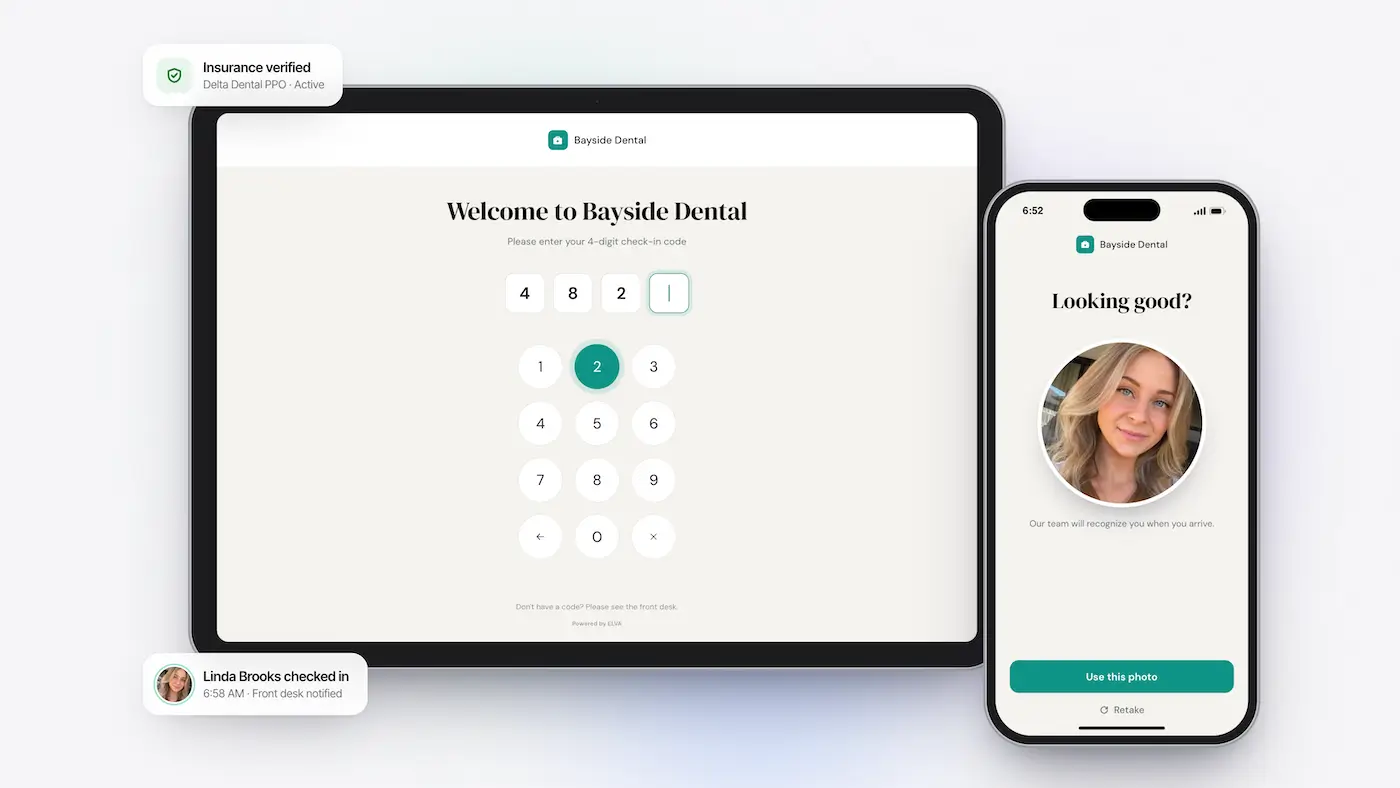
Auto-Arrival Status
Checking in on the kiosk updates the patient's status to Arrived in your PMS. Nobody at the desk clicks a thing.
Live Eligibility
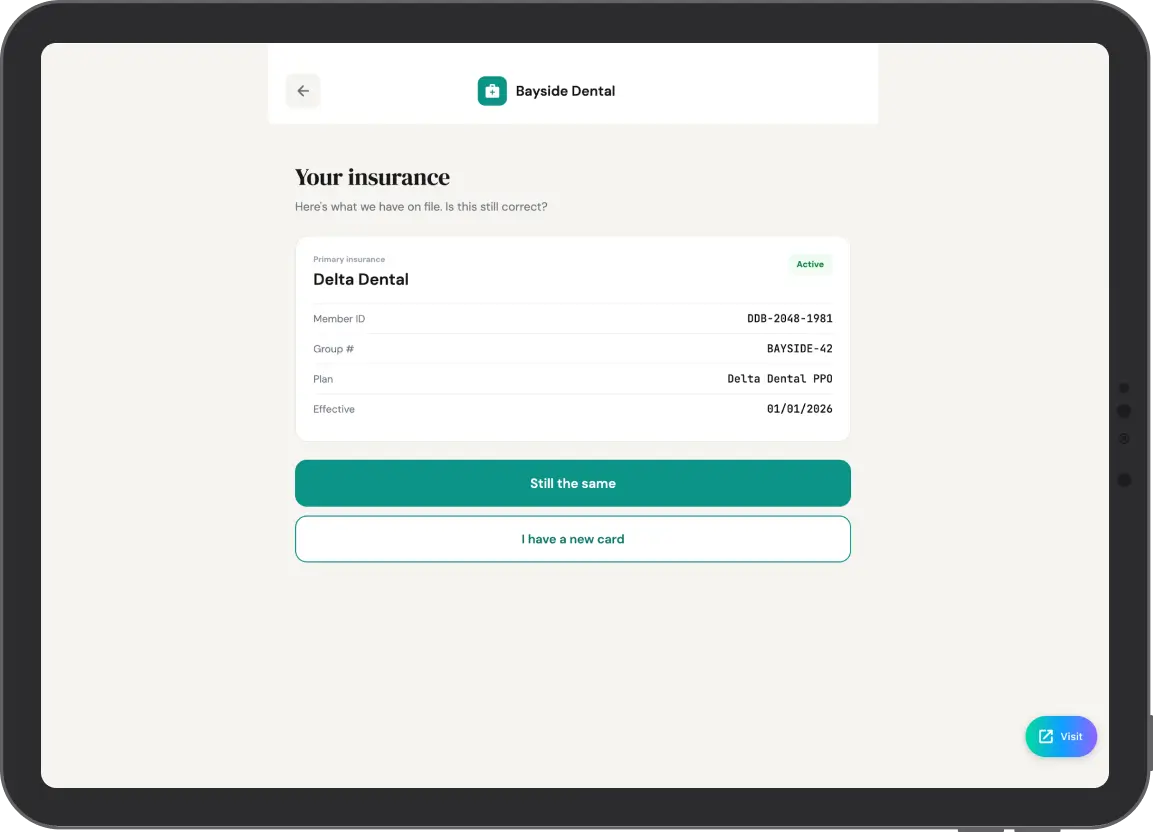
New insurance card? Patients snap a photo and Elva checks eligibility before they're seated.
Review and Confirm
Returning patients see the history you already have on file and only change what's new.
Secure Lock-Down
Kiosk mode keeps patients inside check-in — no other apps or data on the iPad or iPhone.
A Dental Check-In Kiosk That Marks Patients Arrived for You
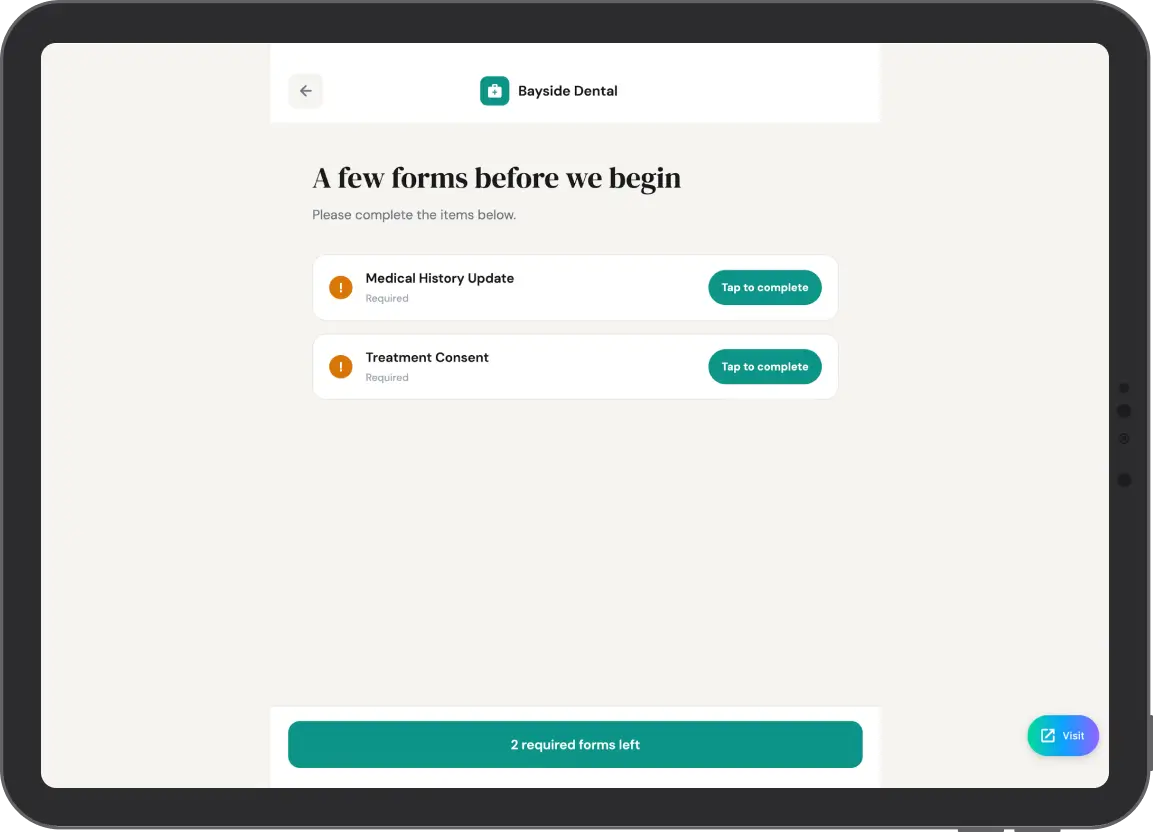
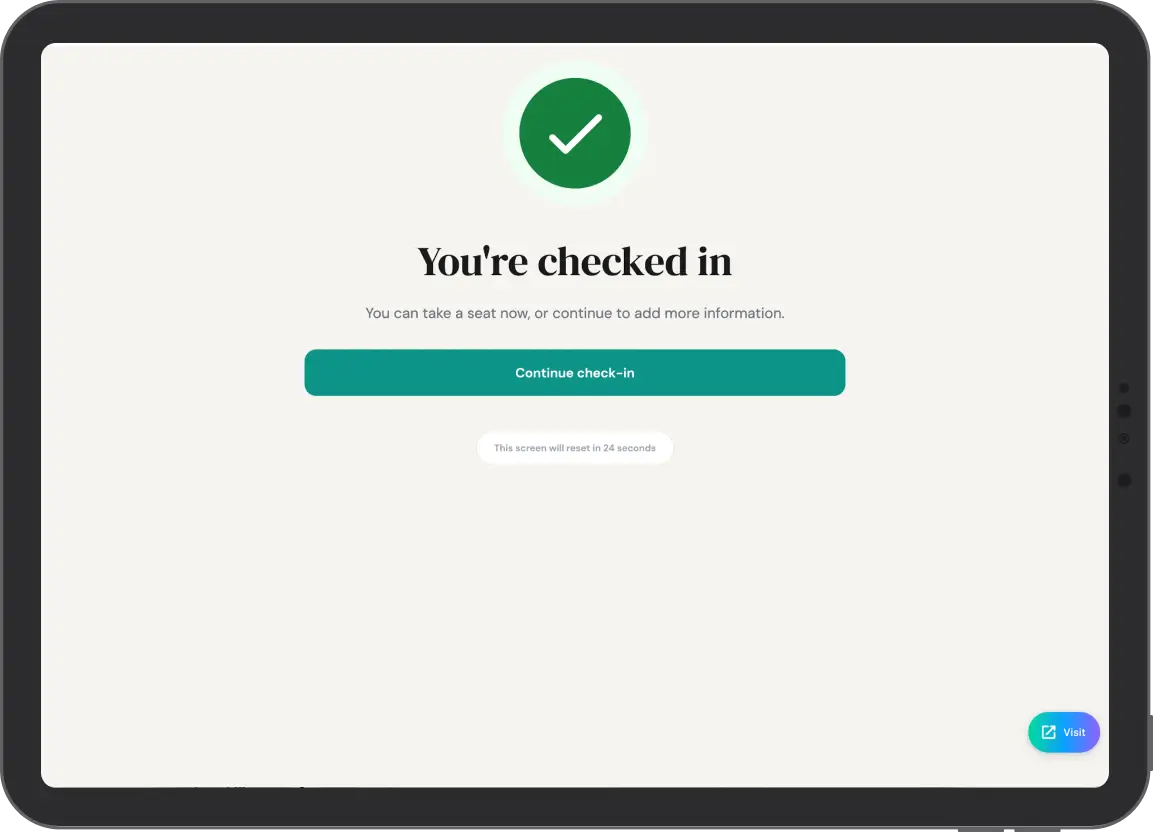
Twenty-four hours before the appointment, patients get a secure check-in code by text and email. At the office, they tap Check In and enter it — or use their name and date of birth if they're a walk-in. Elva instantly changes their PMS status from Scheduled to Arrived and shows any forms still missing for today's appointment type. No profile photo on file? They're prompted to take one. Your front desk stops marking arrivals, hunting for paperwork, and chasing photos
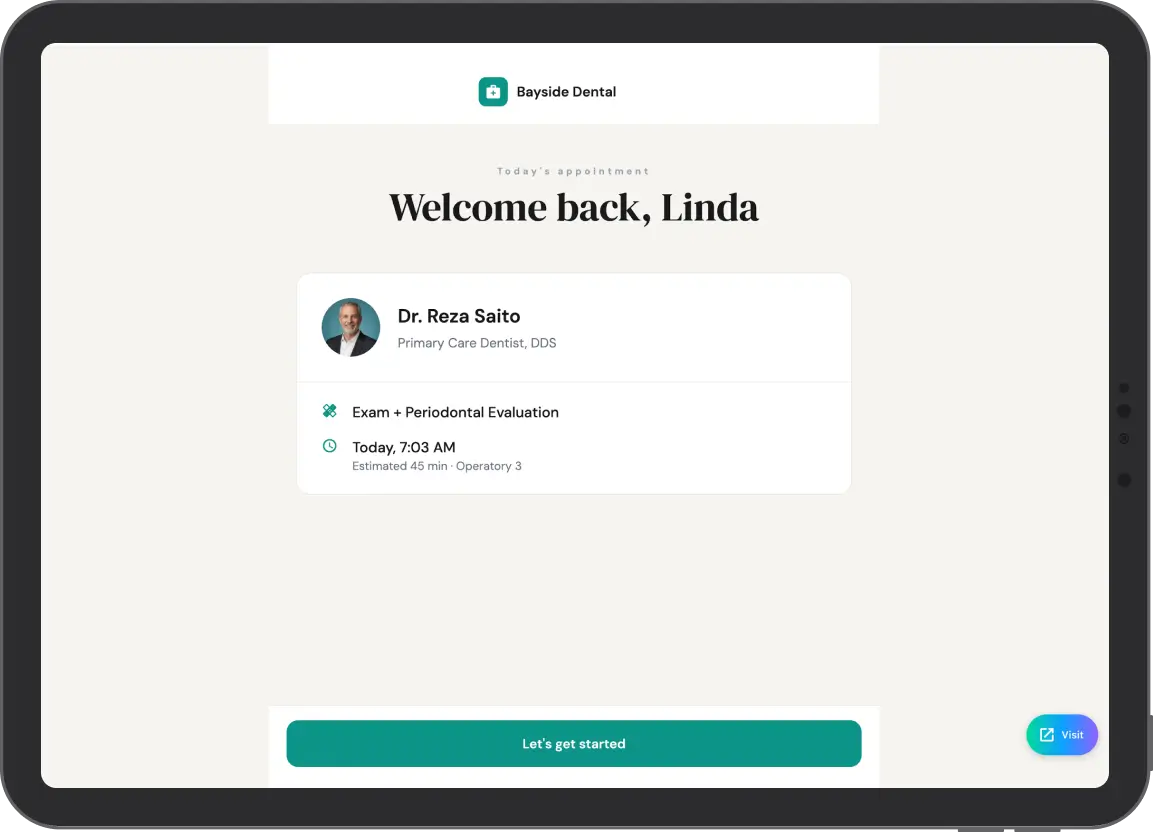
New Insurance Card? Snap It. Elva Runs Eligibility on the Spot
A new card usually means four front-desk jobs: type it in, run eligibility, read the benefits, update the chart. Elva turns all four into one photo. The patient captures the card and confirms the details Elva reads from it, then Elva runs a live eligibility check while they're still at the kiosk. Plan and subscriber details, coverage, limitations, and benefits are written straight into your PMS. No portal, no after-hours catch-up.
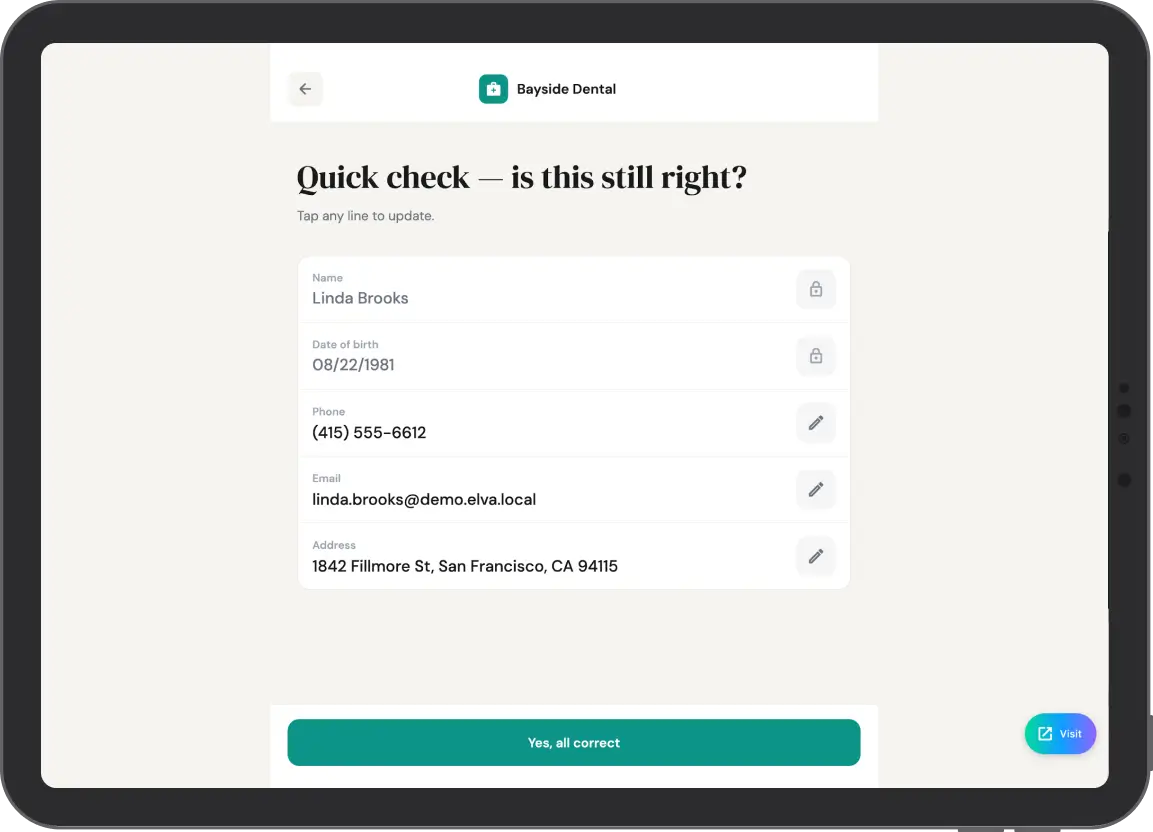
Review and Confirm for Returning Patients
Returning patients hate filling out the same blank forms every six months. Elva pulls their medical history and address details from your PMS and shows them on screen. They review, tap No Changes or edit what's new, and sign. Anything still missing can be finished on the kiosk or sent to their phone by text and email in one tap. A 10-minute clipboard ritual becomes a 30-second review — and every answer writes back to your PMS, including Dentrix, Dentrix Ascend, and Open Dental
One Kiosk. Every Patient's Language
The kiosk adapts to the patient, not the other way around. Patients check in, finish missing forms, and confirm insurance details in English, Spanish, French, Chinese, Portuguese, or Farsi. Answers come back complete and accurate, and nobody on your team has to translate a consent form at the counter
Writes Back to Dentrix, Open Dental, Eaglesoft, and More
Elva Kiosk syncs in real time with Dentrix, Dentrix Ascend, Open Dental, Eaglesoft, Curve, Denticon, and CareStack. Arrival status, form answers, insurance details, eligibility results, and patient photos go straight into the patient record. No exports, no double entry, no end-of-day reconciling
Watch Eligibility Run Before the Patient Sits Down
See the full check-in — code, forms, new insurance card, live eligibility, PMS write-back — on a real kiosk in a 20-minute demo
More Than Dental Patient Check-In Software
The small arrival tasks that used to pull your team away from patients, handled at the kiosk and synced to your PMS in real time.
See Every Arrival Without Saying a Word
The Bird's-Eye View shows every patient arriving today with a live status — Arrived, Forms Missing, Ready, or Needs Attention. Your back office knows who's here the moment they check in.
Start on the Kiosk, Finish on Their Phone
When a card photo or a long form is easier on the patient's own phone, Elva moves the same session there by QR code or text link. No new login, no starting over.
Put a Face to the Name Instantly
Patients without a profile photo are prompted to take one during check-in. Elva updates their PMS profile so your clinical team recognizes them before they walk into the operatory.
Patient Data Wiped After Every Check-In
When a patient taps Submit, the kiosk clears all of their information and resets for the next person. Data is encrypted at rest and in transit, and Elva is HIPAA compliant solution for dental offices that signs a BAA with every practice.
Two Ways to Sign In
Patients use the secure code Elva sent the day before, or their name and date of birth. Walk-ins and lost texts never slow down the line.
One Check-In Across Every Location
Multi-location groups and DSOs get a branded sign-in screen, custom verification steps, and the same check-in experience in every office.
Questions Practices Ask About the Elva Kiosk
What is a dental check-in kiosk?
A dental check-in kiosk is a self-service device in your reception area where patients confirm their arrival, finish intake forms, and update insurance and contact details without waiting for the front desk. Elva Kiosk also runs live insurance eligibility and writes every result back to your practice management system.
Does Elva Kiosk work on iPad and iPhone?
Yes. Elva Kiosk runs on both iPad and iPhone, and any step can be handed off to the patient's own phone by QR code or text link. You can also try the full flow in the web demo before installing anything.
How does the kiosk update our PMS?
When a patient checks in, Elva changes their appointment status to Arrived in your practice management system. Completed forms, new insurance and eligibility details, and patient photos are written into the patient record automatically. Elva works with Dentrix, Dentrix Ascend, Open Dental, Eaglesoft, Curve, Denticon, and CareStack.
Can patients add a new insurance card at check-in?
Yes. The patient photographs the card, confirms the details Elva reads from it, and Elva runs a live eligibility check before they're seated. Plan, subscriber, coverage, limitation, and benefit details go straight into the chart.
What languages does the kiosk support?
English, Spanish, French, Chinese, Portuguese, and many more. Patients can complete check-in, forms, and insurance confirmation in any of them.
What if a patient doesn't have their check-in code?
They sign in with their name and date of birth instead. Walk-ins use the same flow.
Is patient data stored on the device?
No. When a patient taps Submit, the kiosk clears their information and resets for the next person. Data is encrypted at rest and in transit, and Elva signs a BAA with every practice.
Modernize Your Waiting Room
Give your patients the smooth, paperless check-in experience they expect.