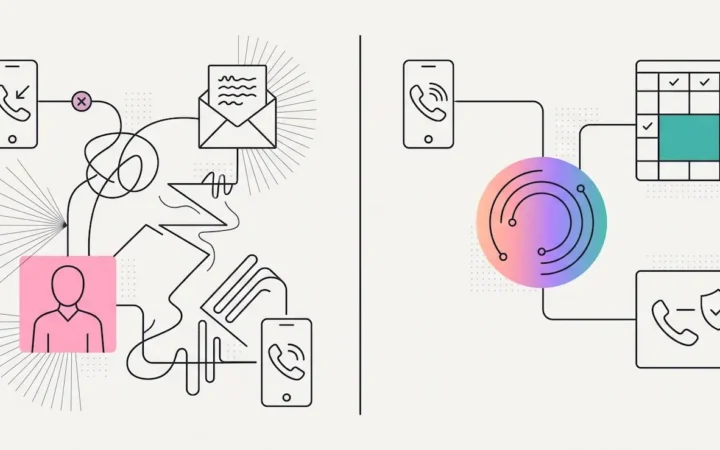
The practice inbox is where two bad things happen at once. First, the burying: a patient’s billing question, a lab’s confirmation, an insurer’s request, and a software vendor’s newsletter all arrive with identical urgency, and whichever team member opens the inbox becomes, involuntarily, a filing clerk. Second — quieter, and worse — most tools that promise to fix this do it by copying the practice’s entire email history onto their servers, attachments and all, where it sits as risk forever. Proper dental email management has to solve both: the inbox has to organize itself, and the organizing layer has to hold as little as possible.
Dental Email Management, Organized by AI Continuously
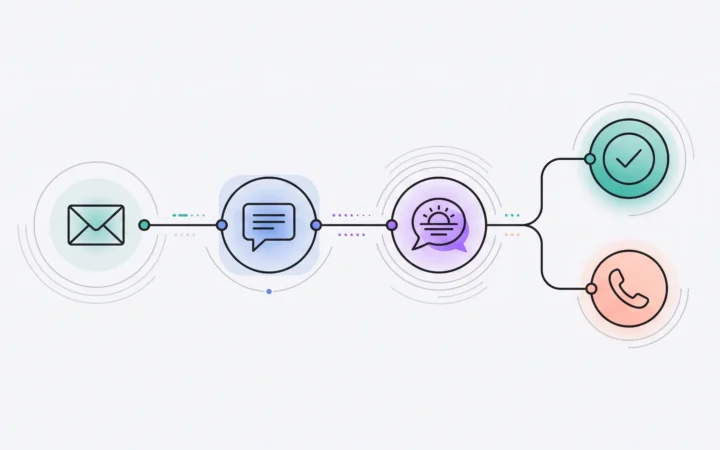
ELVA connects directly and securely to the practice’s Gmail and Outlook mailboxes and turns the pile into a system:
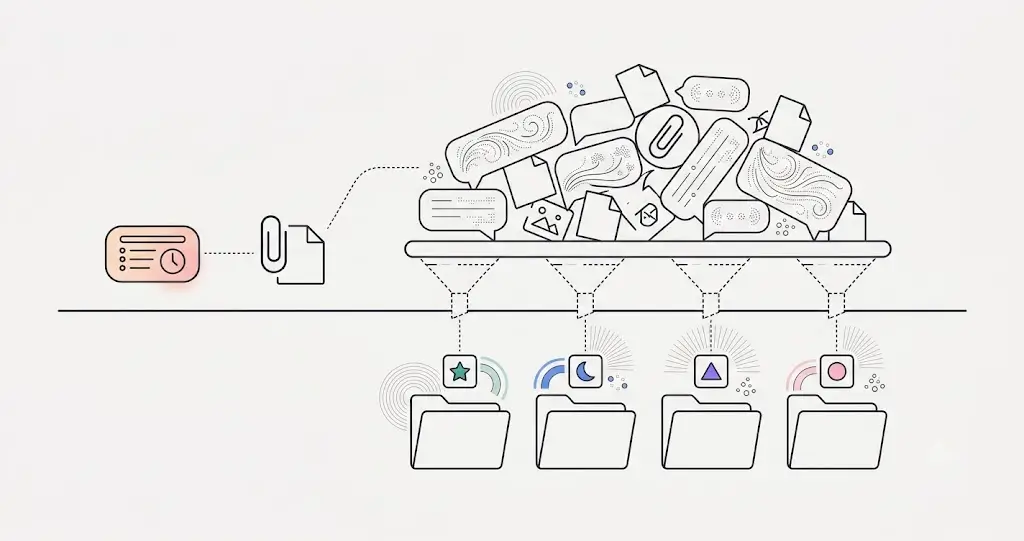
- Every email classified automatically into clear, human-friendly folders — Billing, Doctor, Insurance, Booking, Vendor, Marketing, Referral, and more — created and maintained by AI, with no manual filing, ever.
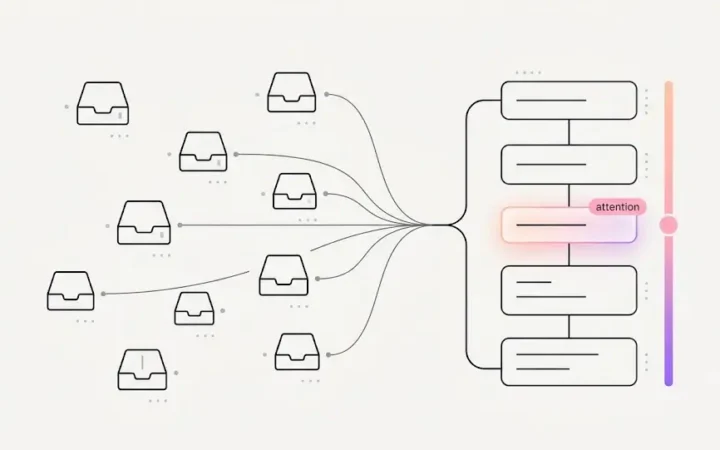
- Every message digested — a short summary, the sender and intent identified, a patient match when relevant, and tone and priority assessed — so a glance tells the team what a thread is before anyone opens it.
- Replies drafted, governed by your rules. Routine answers send automatically under the practice’s rule matrix; anything sensitive is drafted and held for approval. Tell ELVA never answer financial questions by email, and it won’t — the same authorization discipline as every other channel.
- What needs a human, routed. Items requiring judgment land in dental front desk task management, the triage list the team already works — read, summarized, and ranked with everything else.
The practical effect is the same discipline behind dental practice playbook standards applied to email: nothing gets buried, nobody files, and “did anyone see the email about…?” stops being a question, because the answer is wherever Billing or Insurance threads live — automatically, every time.
Dental Email Management That’s Storage-Light by Design
Here’s the architectural choice that matters for a healthcare business: ELVA keeps smart digests, not raw archives. It does not copy the practice’s full email history onto its servers. It keeps the full text only of messages that still need a reply — fetching anything else live from the mailbox when a human actually opens it — and attachments are never copied off the practice’s email at all.
That’s not a storage economy; it’s a security posture. Every byte a vendor holds is a byte that can leak, and a decade of practice email is a dense map of patients, finances, and operations. The honest way to add intelligence to an inbox is to extract the understanding and decline the hoard — data minimization as a design principle, not a settings checkbox. Less held means less to lose; the practice’s email stays the practice’s.
What the team actually experiences
The inbox stops being a job. Morning email is already sorted into folders that mean something; each thread carries its one-line digest; the routine replies went out under the rules; the sensitive ones are waiting with drafts attached; and the genuinely human items are in the triage list, ranked. The team’s email time shifts from reading-and-filing to approving-and-deciding — the same shift that lets a practice train dental front desk staff faster, since there’s far less to learn by hand.
See it in action across the whole practice inbox.
Frequently Asked Questions
How does AI dental email management work?
ELVA connects securely to the practice’s Gmail and Outlook mailboxes, classifies every email into clear folders (Billing, Doctor, Insurance, Booking, Vendor, and more), digests each message into a summary with sender, intent, patient match, and priority, drafts replies under the practice’s rule matrix — sending routine ones, holding sensitive ones for approval — and routes anything needing judgment into the team’s triage list.
Does ELVA store a copy of the practice’s email?
No archive. ELVA keeps smart digests, retains full text only for messages that still need a reply, fetches everything else live from the mailbox when opened, and never copies attachments off the practice’s email. Less data held means less risk — by design.
Can ELVA send email replies automatically?
Only under the practice’s rules. The rule matrix decides per situation: routine, low-risk replies send automatically; topics the practice marks sensitive — financial questions, for instance — are drafted and held for a human’s approval. The boundary is the practice’s to draw, and changes apply immediately.
What email folders does ELVA create?
Human-friendly ones maintained automatically — Billing, Doctor, Insurance, Booking, Vendor, Marketing, Referral, and more — so any team member can find any thread without anyone having filed it.
Which email providers does ELVA support?
Gmail and Outlook, connected directly and securely from the practice’s settings — the practice keeps its existing mailboxes and address; ELVA is the intelligence layer on top.
Unbury the inbox — without donating it. See AI email automation dental, or the AI brain that reads every message: AI brain for dental practices.